Video editing
Follow online video editing tutorials for trimming, combining, recording, overlays, animation, blur, monochrome effects, and annotations.
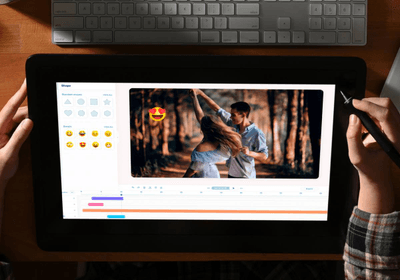
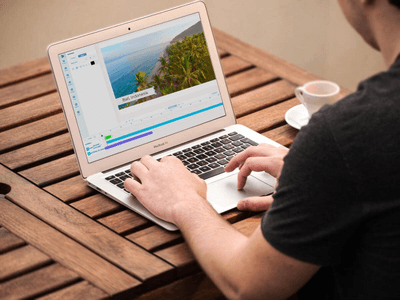
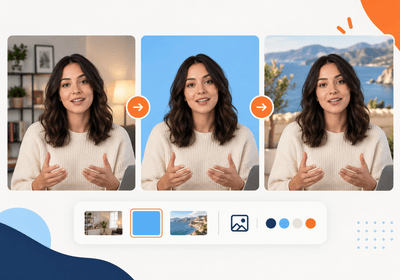
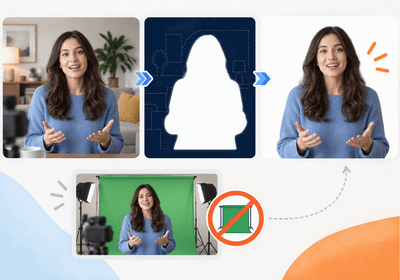
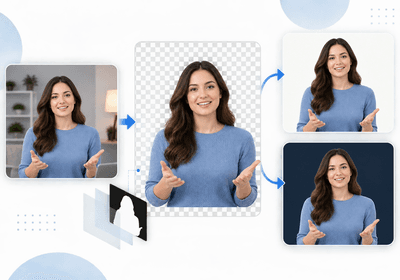
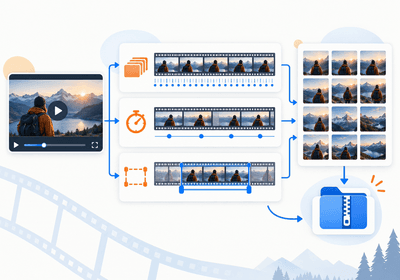
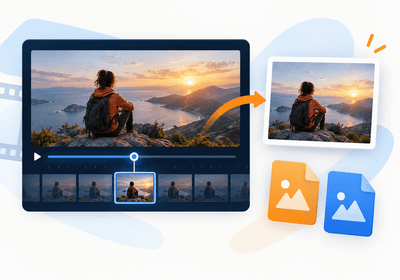
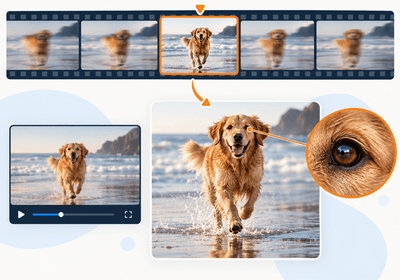
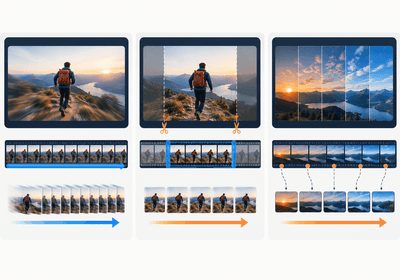
This video editing library covers essential workflows for recording, arranging, transforming, and explaining footage online. Cutting and trimming guides show how to remove unwanted sections, split clips, keep the strongest moments, and export without an added watermark. Combining and overlay tutorials explain how to join several clips or place one video above another for reactions, lessons, comparisons, and picture-in-picture presentations. Visual guides cover animation, annotations, blur, and black-and-white styling, while recording articles explain webcam capture, screen recording, and adding a separate voice or audio track. You can also learn how to build an intro that prepares viewers for the main content. Each tutorial focuses on a specific outcome, so start with the problem you need to solve and follow the relevant workflow rather than applying unrelated effects. Browse the collection below to move from raw footage to a structured video with deliberate timing, visuals, and sound for your intended audience.