What you can do with Deus Video
Online video editor
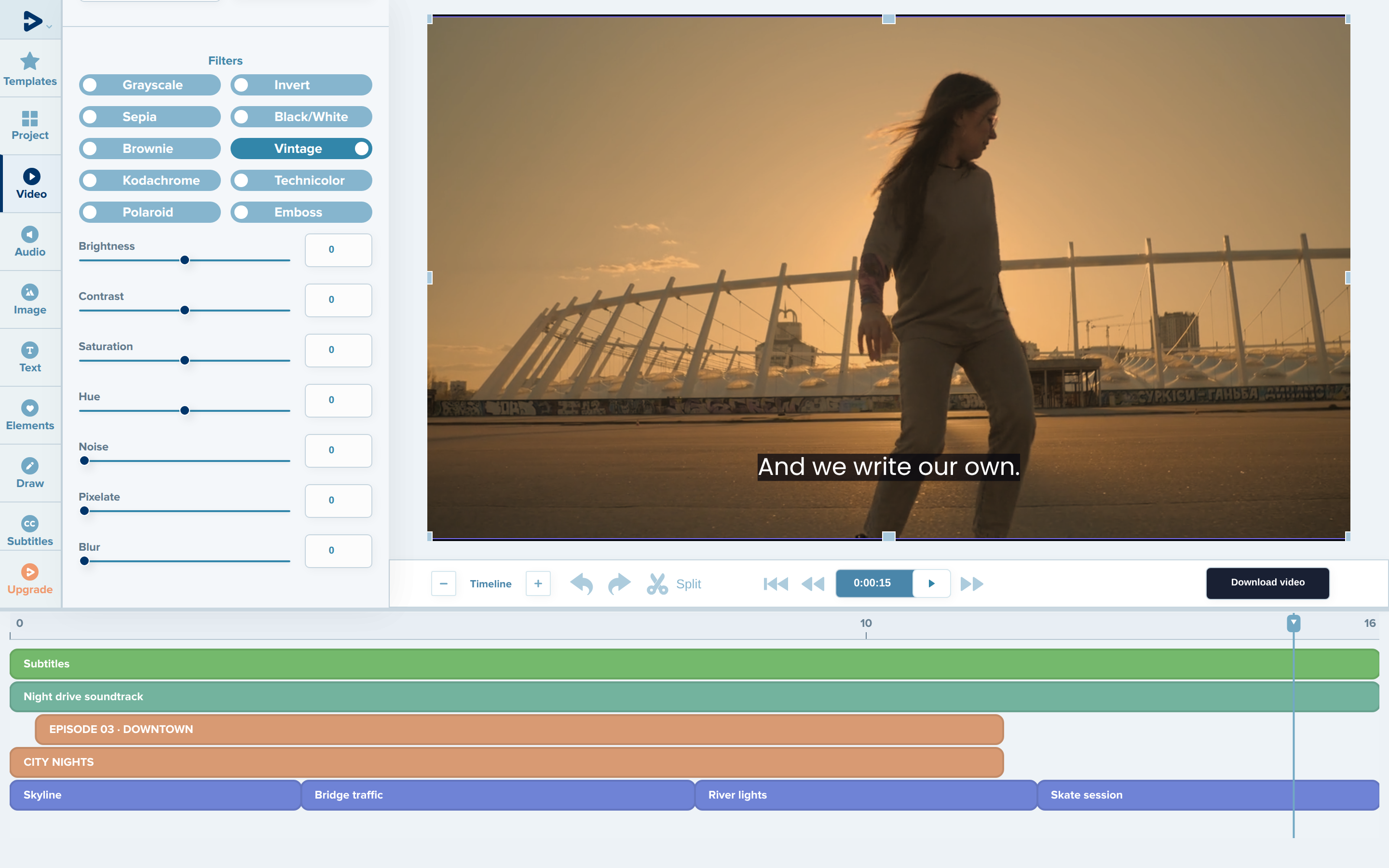
Arrange clips, titles, subtitles and music on a multi-track timeline, animate text and objects, apply filters and export the finished video.
A free plan is available. Free exports include a watermark and have a lower maximum resolution.
Open the editorVideo templates
Start from a ready-made design for a birthday, a business promo, a social media post and more. Preview a template, then replace the text, media and music in the editor.
Browse templatesFree video tools
23 single-purpose tools for everyday tasks: compress, trim, crop, convert, merge, add subtitles and more.
Free, no account needed, no watermark. Files up to 200 MB.
See all toolsWho makes Deus Video
Deus Video is developed in Ukraine. The service is operated by PE IVANUSHENKO LEONID, registered in Ukraine under registration/tax number 3023202333.
Many of our tools and templates started as requests from users. If something is missing, tell us what you need.
Contact
- Support, press and partnerships: support@deus.video
- Questions and ideas: feedback form
Press kit
Writing about Deus Video or adding it to a list of tools? Use the descriptions, logos and screenshots below in articles, reviews and tool listings.
- Name
- Deus Video (also written as Deus.Video, or Deus for short)
- Short description
- Online video editor with ready-made templates and free video tools.
- Description
- Deus Video is a browser-based video editor. People use it to edit their own clips on a multi-track timeline, to customize ready-made video templates and to make quick edits such as compressing, trimming, cropping or converting a video with free online tools that need no account and add no watermark.
- Website
- deus.video
- Brand color
- #2B608C
Logos



Screenshots
Select a screenshot to open the full-size PNG (2880 × 1800).